An APK Can Copy a Login Screen Perfectly
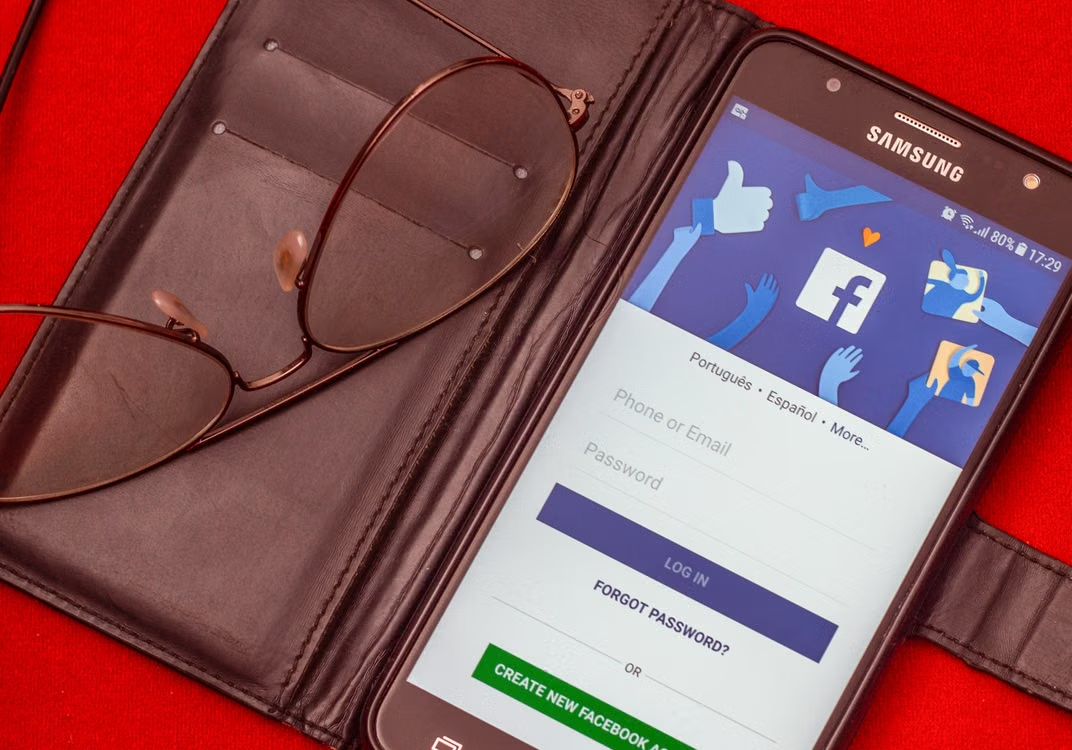
A cloned sign-in screen is not a blurry photocopy of the original. It is the original. Whoever built it opened the real app, pulled out the layout files, the icons and the exact colour values, then dropped them into a shell that sends your password to a different address. Nothing on that screen looks wrong because nothing on it was invented. The keyboard rises at the same speed, the field labels sit on the same margin, and the loading spinner even reuses the same animation curve. Advice that tells people to look carefully therefore fails before it starts. Sideloading is ordinary behaviour: developers ship test builds this way, regional restrictions push users toward it, and a large amount of legitimate Android software has never lived on Google Play. The danger sits in the delivery channel, in who handed over the file, and in a small set of signals that pixels simply do not carry.
Why the interface is the easiest part to steal
An Android package is a zip archive with a different extension. Open one and the res folder surrenders every drawable and every layout in the app; a tool like apktool reassembles the whole screen in about two minutes on a laptop. The attacker keeps all of that and rewrites only the networking code behind the sign-in button. Origin is the thing worth checking, not appearance: an official crypto casino login flow is served from the operator’s own domain, so a file that reaches you through a forum post, a messenger channel or a sponsored search result is already a different product no matter how familiar it looks.
The signals a copy cannot reproduce
Every Android package carries a cryptographic signature over its entire contents, and the system refuses any update signed with a different certificate than the one already installed. A clone can copy the package name string character for character, or almost: com.brand.app becomes com.brand.аpp with a Cyrillic letter that renders identically. What it cannot copy is the publisher’s private key. Run apksigner verify –print-certs on the file and you get the SHA-256 fingerprint of the signing certificate, which is the value a serious publisher lists on its own download page. Play Protect runs a rougher version of the same comparison on the phone itself.
Checking a file before it ever runs
Verification takes less time than the install itself, and most of it happens before you tap anything. The sequence below assumes you already have the file and want to know what it is.
- Compare the SHA-256 hash of your download with the one published on the vendor’s site.
- Check the signing certificate fingerprint, not just the app name shown by the installer.
- Read the permission list in the manifest before install, not after the first crash.
- Confirm the download page is reachable by typing the domain manually, never through a link.
| Signal | Can a clone match it | Where you verify it |
| Icon, layout, colours | Yes, byte for byte | Nowhere, it is identical |
| Package name | Nearly, via lookalike characters | Official download page |
| Signing certificate | No | apksigner fingerprint |
| Permission set | Yes, but usually asks for more | System app info screen |
- The app requests an accessibility service before showing you a single screen of content.
- Your first login fails, then succeeds after a sudden redirect into the browser.
- Battery statistics list background activity from an app you have not opened.
- No version number appears in system settings, and no update mechanism exists.
If your details already went into a copy
Change the password from a second device rather than the phone that ran the file, then end every active session from the account’s security page. A stolen password is usually sold before it is used, so the gap between theft and the first unfamiliar login can stretch to weeks. Check the mailbox for forwarding rules and filters you did not create, since those keep working after the password changes.
Payment credentials deserve separate treatment. If card details or a wallet address passed through the fake form, freeze the card in your banking app and read the last statement line by line rather than scanning the total. Small test charges under a hundred rupees are the standard opening move.
Habits that make the next clone boring
Install from one source and bookmark it. Keep Play Protect enabled even when sideloading, because it still scans the packages it did not deliver. On Android 13 and later, restricted settings block sideloaded apps from switching on accessibility services, which removes the most abused permission from the attacker’s toolkit.
The screen is theatre, and it will always be convincing. The certificate is a fact, and it takes thirty seconds to read.